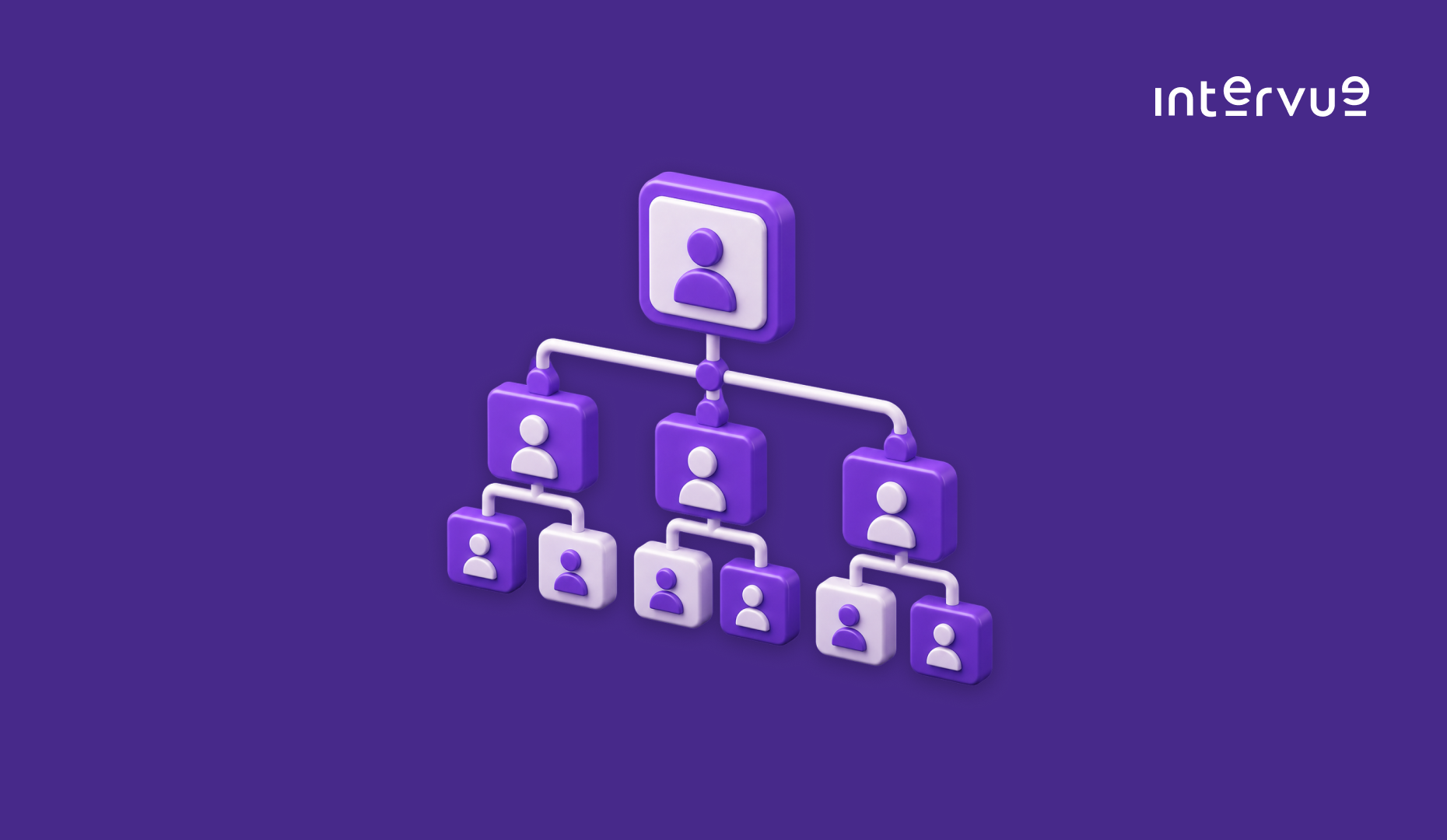
The best org chart software in 2026 automatically updates as employees join, leave, or change roles, replacing static PowerPoint slides that go stale the moment someone gets promoted. Beyond basic org chart makers, modern platforms sync directly with your HRIS and support scenario planning for reorgs before they happen. This guide compares the top org chart tools available this year.
1. Pingboard
Pingboard combines a live org chart with an employee directory and team-building features, aimed at companies that want the chart to double as a culture and onboarding tool.
- Auto-updating org chart synced with your HRIS or CSV import
- Employee directory with fun facts and profile photos for team building
- Scenario planning to model reorgs before making them official
Best for: Companies wanting org charts paired with culture and onboarding features
Pricing: Contact for pricing; typically starts around $3-5 per employee per month
2. ChartHop
ChartHop treats the org chart as a people analytics tool, layering compensation, headcount planning, and DEI reporting directly on top of the visual chart structure.
- Compensation and headcount planning layered directly on the org chart
- DEI reporting broken down by team, level, and demographic
- What-if scenario modeling for reorgs and headcount changes
Best for: People analytics and finance teams wanting data-rich org charts
Pricing: Contact for pricing
3. Organimi
Organimi focuses on flexible chart design, supporting matrix reporting structures and multiple chart views for companies with complex, non-hierarchical reporting lines.
- Support for matrix and dotted-line reporting structures
- Multiple chart views and templates for different audiences
- Bulk import from CSV or direct HRIS integration
Best for: Companies with matrix reporting or complex organizational structures
Pricing: Starts at $10/month for small teams
4. Ingentis org.manager
Ingentis org.manager is an enterprise-grade platform popular with large organizations needing deep integration with SAP SuccessFactors, Workday, or Oracle HCM.
- Deep native integration with SAP SuccessFactors, Workday, and Oracle HCM
- Enterprise-scale chart rendering for organizations with tens of thousands of employees
- Customizable data visualization beyond standard reporting lines
Best for: Large enterprises with complex HRIS integrations and huge headcounts
Pricing: Contact for enterprise pricing
5. Functionly
Functionly is built specifically for organizational design and workforce planning, letting leadership model multiple future org structures before committing to one.
- Side-by-side comparison of multiple proposed org structures
- Role-based rather than person-based charting for workforce planning
- Budget and headcount impact shown alongside each scenario
Best for: Leadership teams actively planning reorgs or restructuring
Pricing: Contact for pricing; typically starts around $200/month
6. Lucidchart
Lucidchart is a general-purpose diagramming tool that many companies use for org charts due to its familiarity and flexibility, even without dedicated HR-specific features.
- Flexible, general-purpose diagramming beyond just org charts
- Real-time collaboration for multiple people editing simultaneously
- Integrations with Google Workspace, Microsoft 365, and Slack
Best for: Companies wanting a familiar, general-purpose tool rather than HR-specific software
Pricing: Free tier available; paid plans start at $7.95/user/month
7. Microsoft Visio
Microsoft Visio remains a common choice for companies already deep in the Microsoft ecosystem, offering org chart templates alongside its broader diagramming capabilities.
- Native integration with Microsoft 365 and Azure Active Directory data
- Extensive template library for org charts and other diagram types
- Automatic chart generation from Excel employee data
Best for: Microsoft 365 organizations wanting org charts within familiar tools
Pricing: Included with Microsoft 365 plans; standalone plans start at $5/user/month
How to Choose the Right Org Chart Software in 2026
Decide first whether you need a dedicated HR-focused org chart tool like Pingboard or ChartHop, or whether a general diagramming tool like Lucidchart or Visio is sufficient if your needs are purely visual rather than data-driven. If reorgs or headcount planning happen regularly, prioritize platforms with scenario modeling like Functionly or ChartHop rather than static chart makers. Check HRIS sync carefully, since manually updating an org chart every time someone joins or leaves defeats the purpose of the tool. And as your org chart grows, make sure the hiring process filling those boxes is just as structured; Interview as a Service from Intervue brings consistent, expert-led technical interviews to every new hire.
Frequently Asked Questions
Is Microsoft Visio good for building org charts?
Microsoft Visio works well for companies already using Microsoft 365, offering solid org chart templates and the ability to auto-generate charts from Excel data. It lacks the HRIS sync, scenario planning, and people analytics features found in dedicated org chart platforms like ChartHop or Pingboard, so it fits best for simpler, static charting needs.
What makes an organizational chart effective?
An effective organizational chart clearly shows reporting lines, spans of control, and team structure without becoming so dense it's unreadable. The most effective charts stay current automatically rather than relying on manual updates, and support multiple views, such as by department or by location, so different audiences can find what's relevant to them.
Can AI tools like ChatGPT create an org chart?
General AI tools can generate a basic org chart description or simple diagram from text input, but they lack the live HRIS integration, automatic updates, and scenario planning that dedicated org chart software provides. For a chart that stays accurate as your team changes, dedicated platforms remain the more reliable choice over ad hoc AI generation.
Final Thoughts
Org chart software has moved well past static diagrams into living tools that support workforce planning, DEI reporting, and reorg scenario modeling, and the right platform depends on whether you need HR-specific data features or just a clear visual reference. Whatever tool you pick, the chart is only as good as the hiring decisions that fill it. Get Started with Intervue to make sure your technical hiring process is as well-structured as your org chart.