

Introduction
You are reading this if you are attempting a test with intervue.io
For best experience open the test in Google Chrome.
Step1:
Once you receive the invitation URL and you click on it, you will be redirected to a page that looks like the one shown below. You will have to Login as a Candidate (as per the highlighted option in the screenshot below)

Step2:
After login, you will see a screen like this. Create an Account or Sign In Via Google or Github.
Step3:
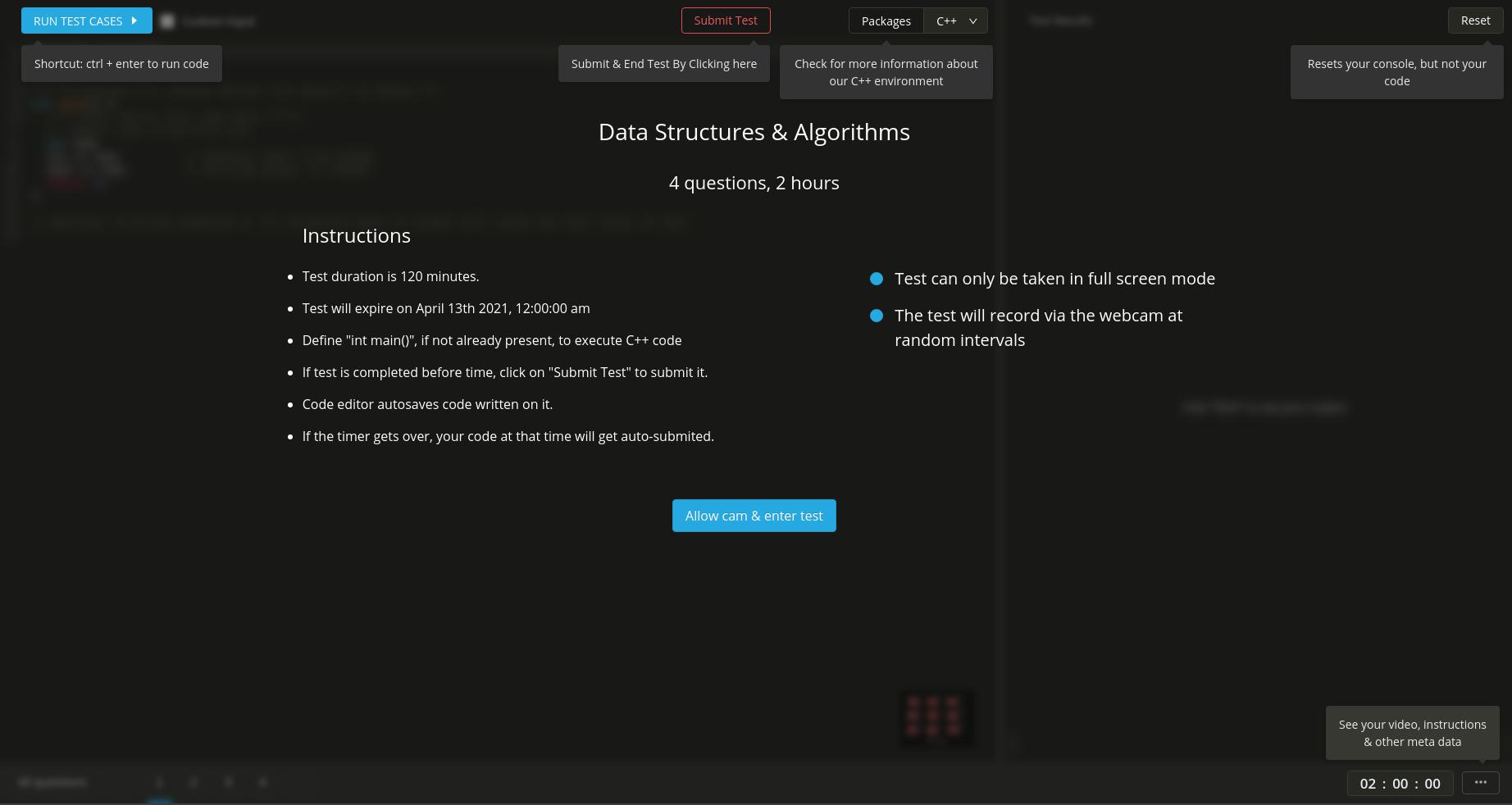
Once you signup, you will be shown the test instruction screen. Please read it carefully before entering the test.
Key things to note:
- How to Submit the complete test
- Number of questions in the test and duration of the test
- Timer comes on the bottom right
Step4:
Once you enter the test, if there are multiple questions, you can switch back and forth between the questions by clicking on the question number as shown in the screenshot.
The green arrow shows the buttons to switch the questions.
The pink arrow shows the button to view All the questions.